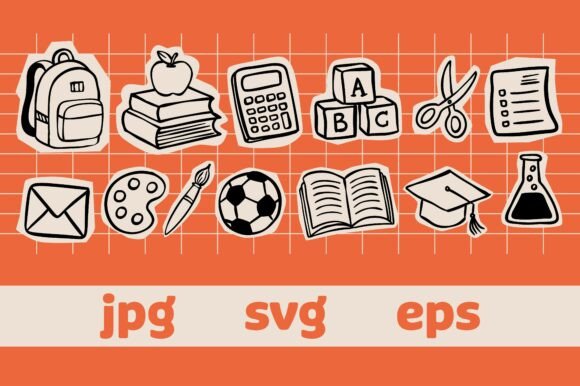
Back to School Scrapbook Elements
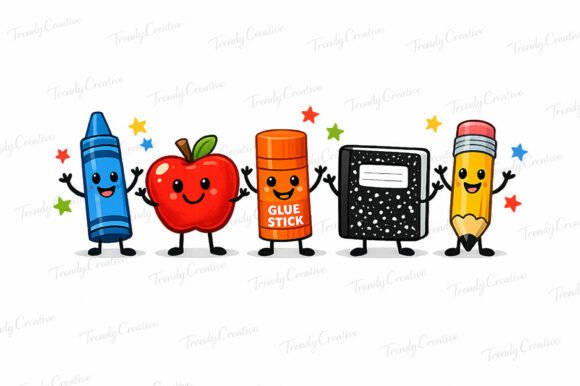
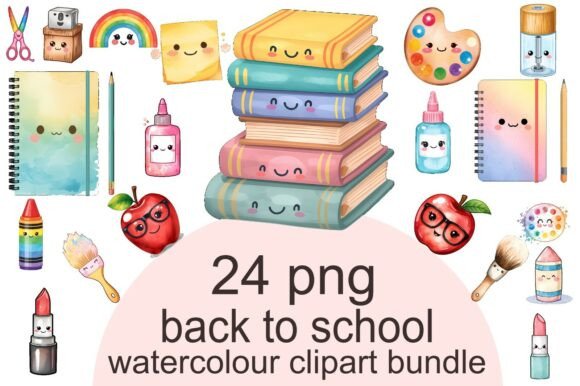
The transition from a standard digital workflow to a tangible creative project often requires more than just software; it demands assets that bridge the gap between concept and physical reality. Back to School Scrapbook Elements serves as a critical component in this process, offering a curated collection of hand-drawn doodle elements designed specifically for creators who value both aesthetic charm and functional versatility. This vector set transforms the mundane task of planning or decorating into a streamlined production line, featuring cute paper cutout stickers like backpacks, books, calculators, and various stationery items arranged on a vibrant orange grid background.
For professionals, educators, and small business owners, the utility of these assets extends far beyond simple decoration. They function as modular building blocks within a broader design ecosystem. Whether you are preparing educational materials for the upcoming semester, launching a seasonal merchandise line, or organizing personal productivity planners, the integration of high-quality vector graphics ensures consistency and efficiency. The specific inclusion of an orange grid background provides an immediate visual anchor, allowing designers to layer content without worrying about complex masking or background removal in the initial stages.
Integration Across Creative Workflows
Understanding where Back to School Scrapbook Elements fits into your daily operations is the first step toward maximizing its value. In a typical creative workflow, the asset acquisition phase is often followed by a tedious customization period. However, because this set is provided in scalable vector formats (SVG and EPS), the time spent on adaptation is significantly reduced. You can import these files directly into cutting machines or professional design software without losing resolution or detail.
Before starting a project, consider the end goal. Are you producing digital planners for iPad users, or are you creating physical sublimation prints for t-shirts? The answer dictates how you utilize the elements. For digital workflows, the JPG files offer high-resolution raster images ready for quick insertion into templates. For physical production, the SVG and EPS files allow for precise scaling. A small business owner selling school supplies can use the backpack and calculator icons to create cohesive branding across packaging, while an educator might use the same elements to make engaging lesson plans or classroom decorations. The ability to switch between digital and physical outputs with the same asset library streamlines the entire production cycle.
Preparation and Compatibility Checks
Efficiency begins before the design work starts. When integrating Back to School Scrapbook Elements, compatibility is a primary factor. Ensure your cutting machine software, such as Cricut Design Space or Silhouette Studio, supports the SVG format included in the download. If you are working with older versions of Adobe Illustrator, verify that the EPS version is compatible with your specific software suite to avoid editing errors. This preliminary check prevents costly delays during the execution phase.
Furthermore, consider the color palette. The vibrant orange grid background is a deliberate choice that adds energy and structure. If your brand identity relies on a strict corporate color scheme, you may need to isolate the individual doodles from the grid using vector editing tools. Because the elements are designed as paper cutout stickers, they often come with distinct outlines or shadows that simulate depth. These features add a tactile quality to digital designs, making flat screens feel more interactive. When preparing your files, decide whether you want to retain the full composition or extract individual items like the pencil, ruler, or apple to mix and match with other design elements.
Practical Implementation Strategies
Once the technical setup is complete, the focus shifts to implementation. The true power of this vector set lies in its modularity. You are not limited to using the elements exactly as they appear in the preview. Instead, treat them as a toolkit for problem-solving in your design process.
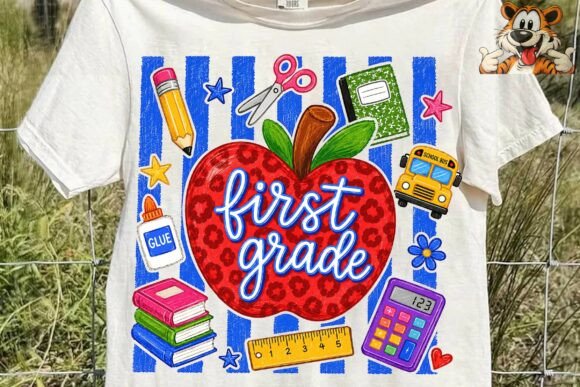
- Sublimation and Apparel: For entrepreneurs looking to capitalize on the back-to-school season, the hand-drawn style offers a unique alternative to generic clip art. Use the backpack and book illustrations as focal points for t-shirt designs. The orange grid can serve as a subtle texture behind the main subject, adding visual interest without overwhelming the garment. Ensure you convert the final design to a print-ready format that matches your printer's DPI requirements.
- Digital Planning and Organization: Productivity-minded users can integrate these stickers into digital planners. The calculator and stationery icons act as visual cues for different sections of a planner, helping users quickly identify tasks related to finance, study, or general organization. By using the SVG files, you can resize the icons to fit perfectly into calendar grids without pixelation, maintaining a clean and professional look.
- Educational Resources: Teachers and curriculum developers can use these elements to create engaging worksheets and flashcards. The playful nature of the doodles helps reduce anxiety associated with learning new subjects. You can combine the elements with text boxes to create interactive activities where students drag and drop the correct stationery item to solve a math problem or match a book title to its genre.
Quality Control and Consistency
Maintaining quality control is essential when managing multiple projects simultaneously. Since Back to School Scrapbook Elements includes a cohesive set of hand-drawn doodles, consistency is inherent in the design. However, when combining these assets with other resources, you must ensure that the line weights, shading styles, and perspective align. For instance, if you introduce a 3D-rendered object alongside these 2D paper cutouts, the result may look disjointed. To maintain a unified aesthetic, stick to 2D illustration styles or adjust the lighting and shadows of your additional assets to match the flat, sticker-like appearance of the vector set.
Long-term use also depends on file organization. As you incorporate these elements into various projects, create a dedicated folder structure. Separate the raw downloads from your customized files. Label your layers clearly within your design software to facilitate future edits. If you plan to update your designs later, having a well-organized source file will save hours of rework. Additionally, keep track of which formats you used for specific projects. Knowing that an SVG was used for a Cricut cut allows you to replicate that success in future batches of similar products.
Enhancing User Experience Through Visual Hierarchy
In marketing and content creation, visual hierarchy guides the user's eye through information. The bright orange grid in this vector set naturally draws attention, acting as a dynamic background that suggests activity and movement. When designing promotional materials, place the most important message or call-to-action over the areas of the grid that provide the least visual clutter, perhaps near the center or along the diagonal lines created by the grid pattern.
The inclusion of specific school-related items like calculators and rulers also serves a semantic purpose. These objects instantly communicate the theme of education and preparation. When used in email newsletters or blog posts targeting parents or students, these icons act as visual shorthand, reducing the cognitive load required to understand the content. This is particularly useful for marketers who need to capture attention quickly in a crowded feed. By leveraging the familiar imagery of the back-to-school season, you can increase engagement rates without relying on heavy text descriptions.
Collaboration and Scalability
For teams working together, the availability of editable vector files (EPS and SVG) is a significant advantage. Team members can open the same file in their respective design environments and modify specific elements without needing to return to the original creator. One team member might handle the layout, while another adjusts the colors to match a new brand guideline. This collaborative flexibility accelerates the timeline from concept to launch.
Scalability is another critical consideration. Unlike raster images that become pixelated when enlarged, the vector nature of these elements means they can be scaled up for large-format banners or down for tiny app icons without any loss of quality. This makes the set suitable for a wide range of applications, from a small sticker on a water bottle to a large backdrop at a school fair. As your business grows, you do not need to purchase new assets; the existing library remains relevant and usable indefinitely.
Ultimately, the decision to use Back to School Scrapbook Elements should be driven by the need for efficient, high-quality visual communication. By understanding the technical specifications and applying strategic planning, you can transform a simple collection of doodles into a powerful tool for creativity and productivity. Whether you are crafting a personalized gift, running a small business, or simply organizing your life, these elements provide the foundation for a polished and professional outcome.
The seamless transition from digital file to physical product is made possible by the thoughtful design of this vector set. It respects the workflow of modern creators by providing the necessary formats for every stage of production. From the initial sketching phase to the final print run, these assets support a continuous loop of creation and refinement. By integrating them into your routine, you ensure that your projects remain consistent, efficient, and visually appealing, allowing you to focus on the bigger picture rather than getting bogged down in technical limitations.